

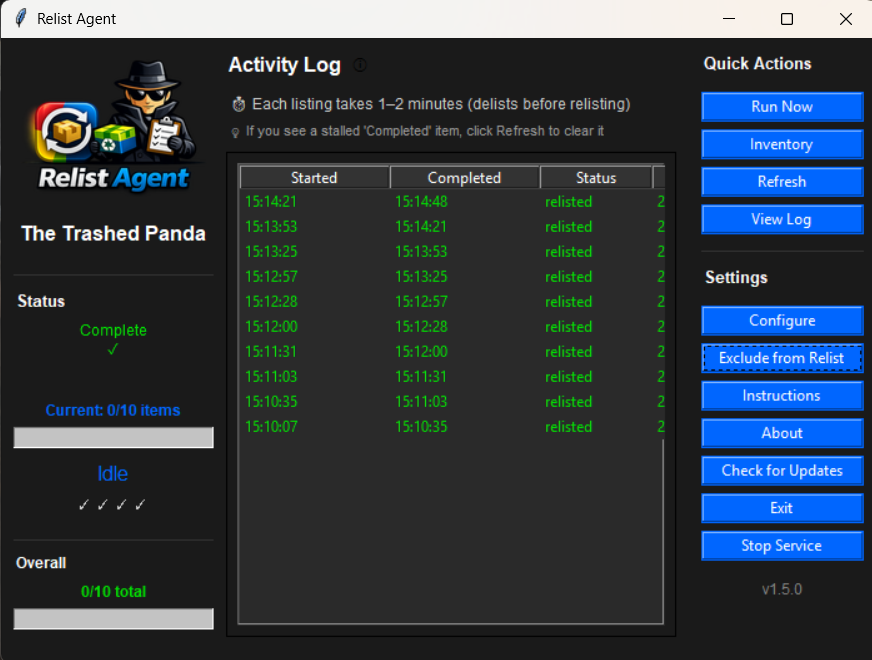
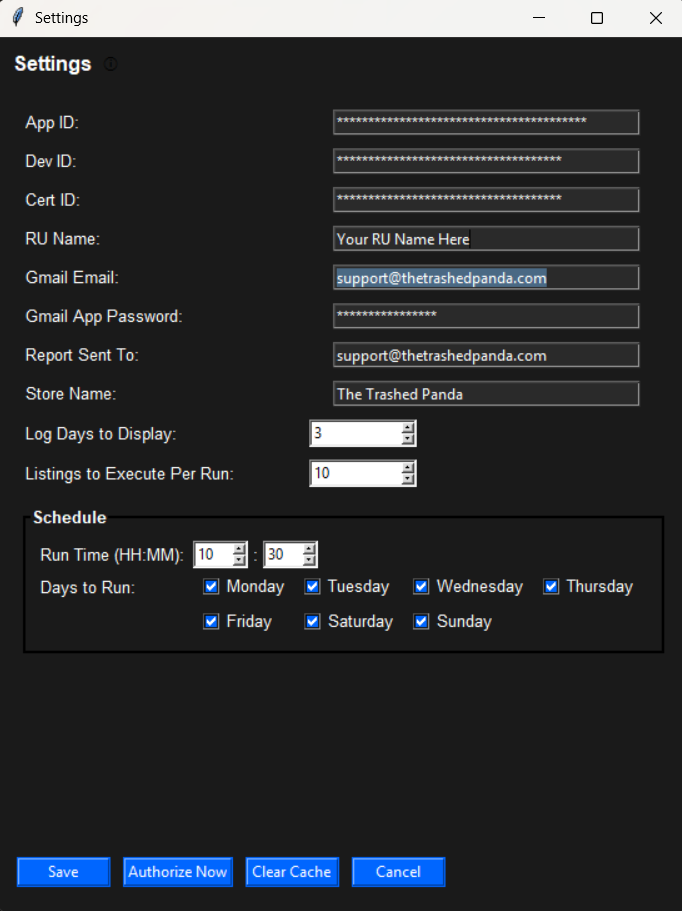
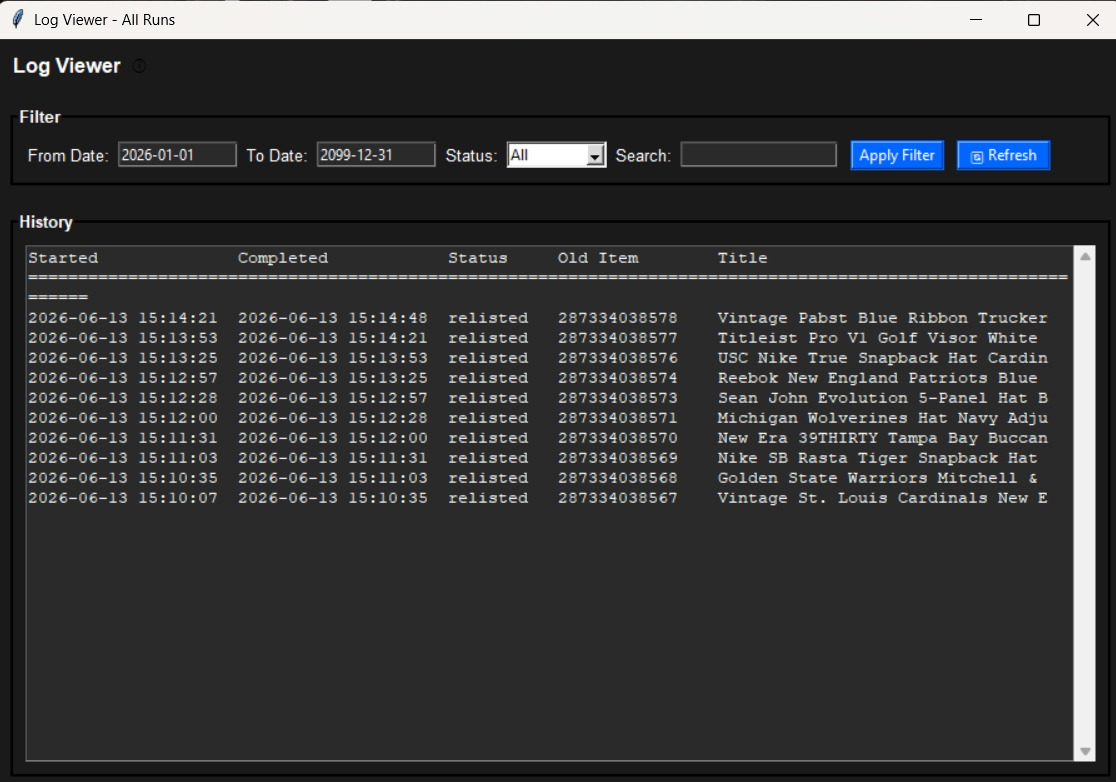
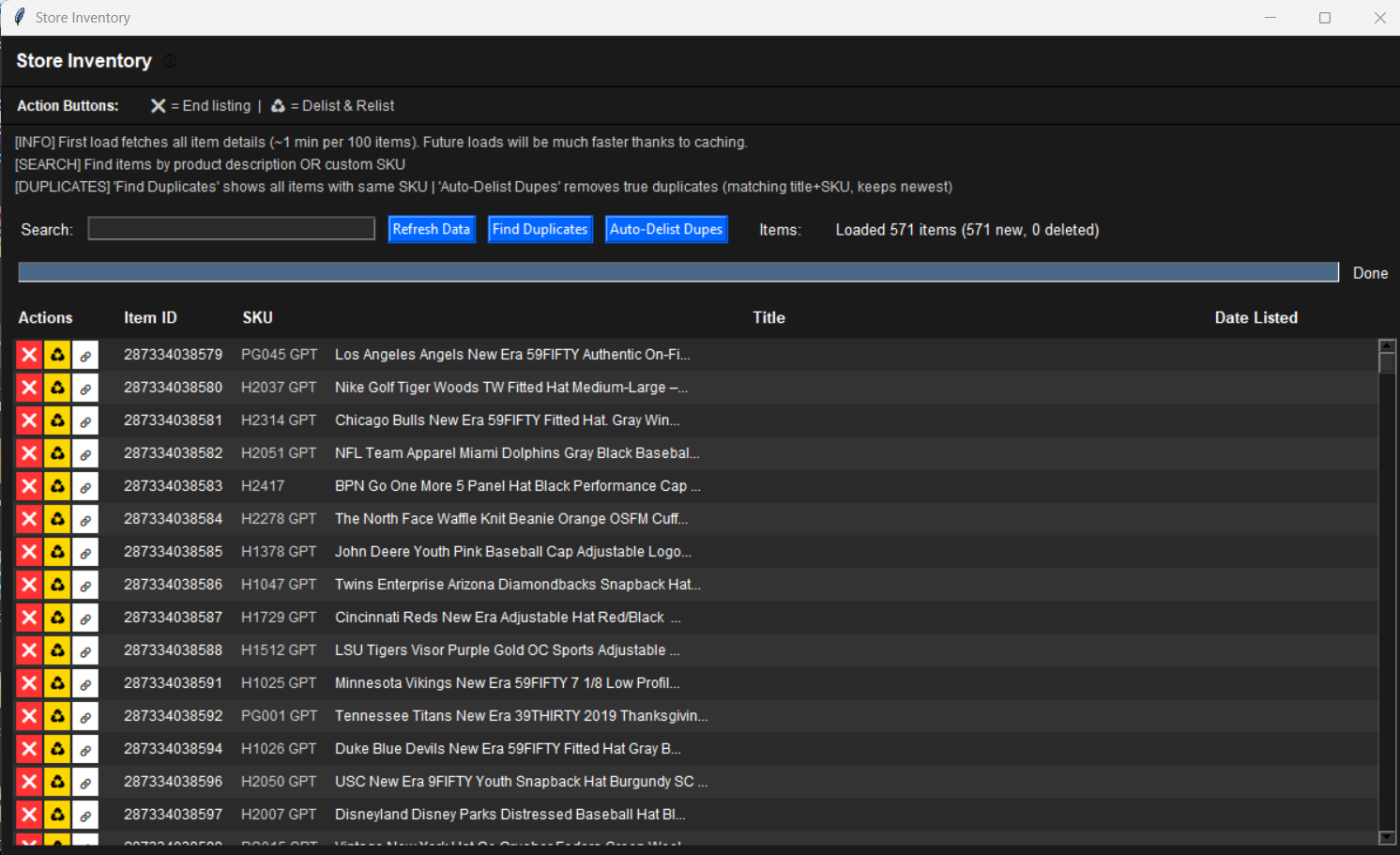
Relist Agent eBay relisting tool for Windows
Automated daily relisting for eBay sellers. Lifetime license.
Description
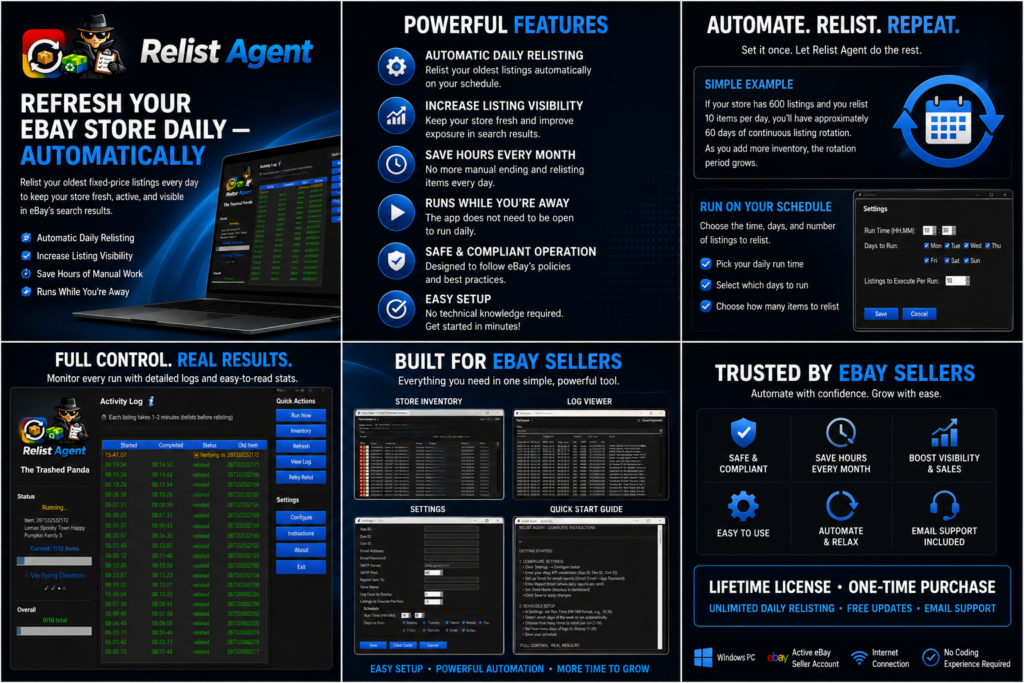
Refresh Your eBay Store Daily — Automatically
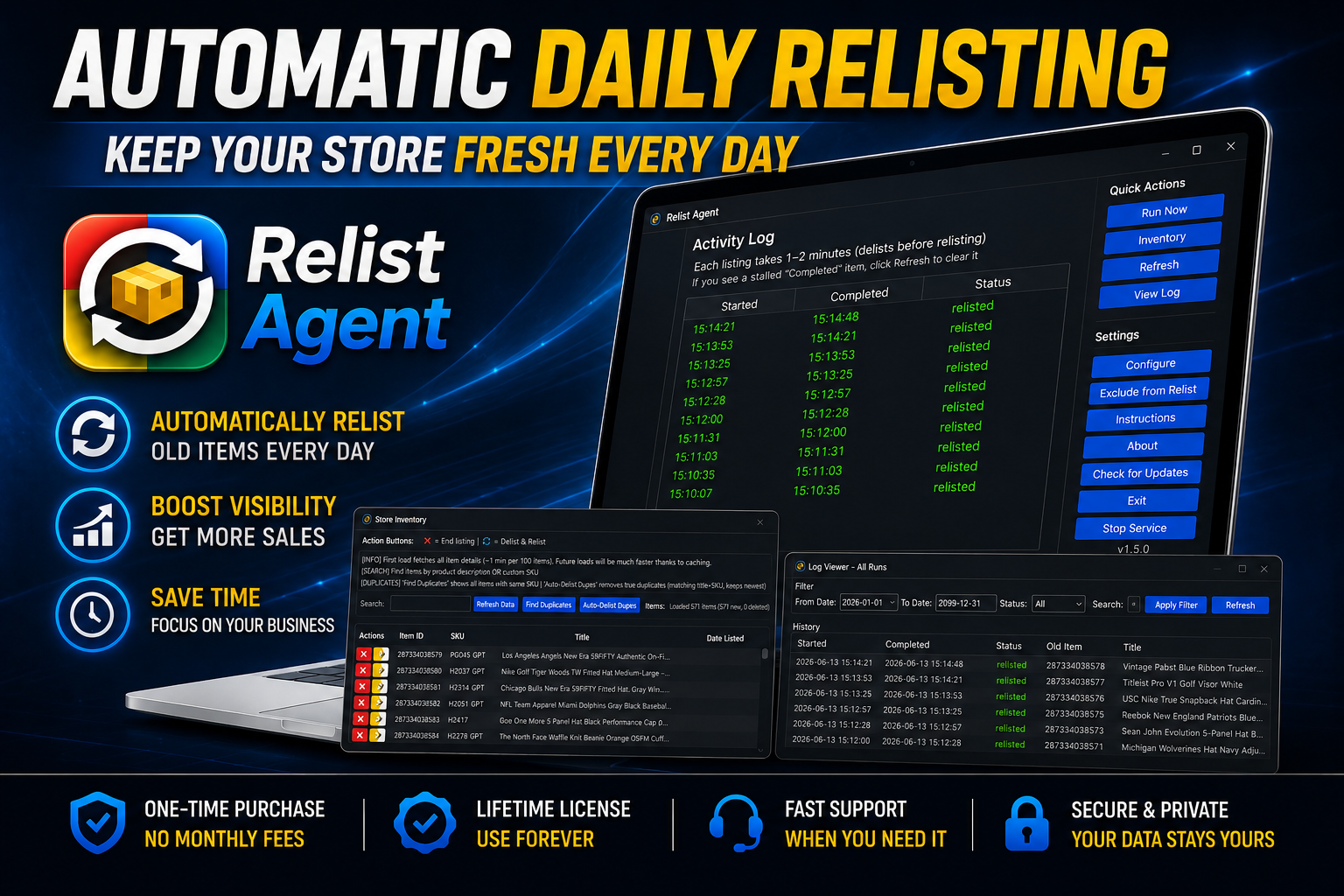
Relist Agent is an eBay relisting tool that
automatically relists your oldest fixed-price listings every day,
helping keep your store fresh, active, and visible in eBay search
results.
Instead of manually ending and relisting items, Relist Agent
automates the process and saves you hours of repetitive work. You
decide how many listings to relist each day—whether that is 1, 10,
100, or more. Relist Agent handles the process automatically.
Simple Example
If your store has 600 listings and you relist
10 items per day, you will have approximately
60 days of continuous listing rotation. As you
add more inventory, the rotation period grows.
Key Features
- Automatic Daily Relisting
- Increase Listing Visibility
- Refresh Older eBay Listings Automatically
- eBay Listing Automation
- Exclude Items — Skip specific items from
relisting, which is helpful for cross-listers - Save Hours of Manual Work Every Month
- Runs Automatically While You Are Away
- The App Does Not Need to Remain Open to
complete your daily relisting - Safe and Compliant Operation
- Easy Setup — No technical knowledge required
- One-Time Purchase — No monthly subscription
- Free Future Software Updates
Why Use Relist Agent?
Relist Agent is designed for eBay sellers who want an easier way to
manage and rotate their fixed-price inventory. Instead of manually
ending and relisting items every day, this
eBay relisting tool automates the process for you.
Many eBay sellers believe that maintaining fresh inventory can
improve listing exposure and attract more buyer attention. Relist
Agent helps keep older listings rotating while allowing you to
focus on sourcing, shipping, customer service, and growing your
business.
Whether you operate a small eBay store with a few hundred listings
or manage thousands of items, Relist Agent provides simple
eBay listing automation that reduces repetitive
work and keeps your inventory moving.
Why Sellers Choose Relist Agent
- Designed specifically for eBay sellers
- Automates repetitive listing management
- Helps keep fixed-price inventory rotating daily
- Saves hours of manual work every month
- Simple interface that is easy to use
- No monthly subscription fees
- One-time purchase with future software updates included
- Built around real-world eBay seller workflows
Perfect For
Relist Agent is ideal for:
- eBay resellers
- Full-time eBay businesses
- Part-time eBay sellers
- Vintage and collectible stores
- Electronics sellers
- Clothing and apparel sellers
- Trading card sellers
- Media sellers
- Automotive parts sellers
- Sellers with large fixed-price eBay inventories
Important Cross-Listing Notice
Relist Agent is not designed to work alongside most
cross-listing tools.
When an item is relisted, eBay generates a new Item ID and
listing URL. Because of this, cross-listing software that
relies on the original Item ID or listing link may lose
synchronization with the newly relisted item.
Solution for Cross-Listers
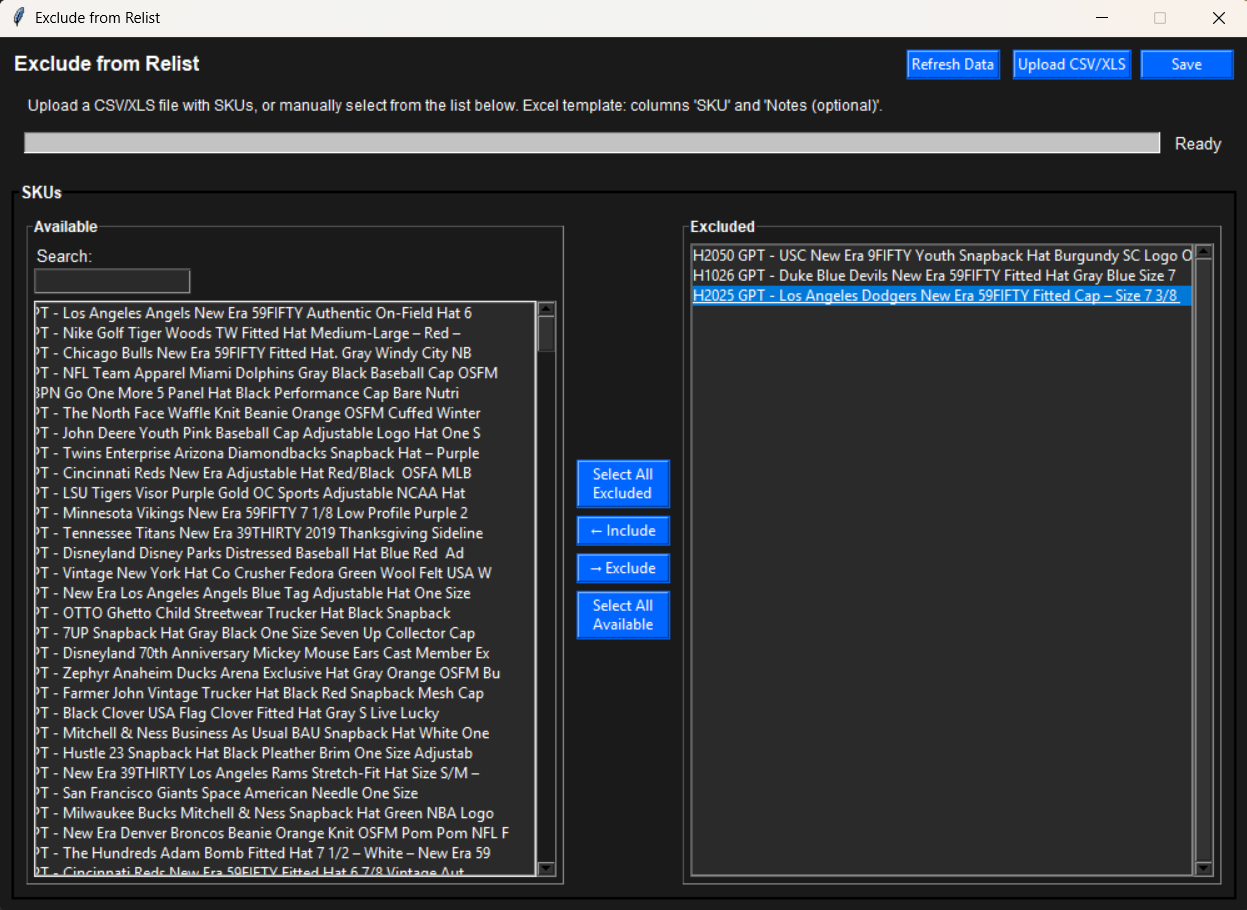
Relist Agent includes an Exclude feature that
allows you to select specific items and prevent them from being
relisted.
If you use cross-listing software, you can exclude those items
from Relist Agent’s rotation. Items managed by your
cross-listing software can remain untouched while your
eBay-exclusive inventory rotates automatically.
This hybrid approach may allow you to use both tools while
maintaining better control over which listings are included in
the automatic relisting process.
Compatibility Notice
The Trashed Panda has not tested or researched compatibility
with any cross-listing software. We make no claims regarding
compatibility or incompatibility with any specific
cross-listing platform.
It is the buyer’s responsibility to determine whether Relist
Agent will work with their existing workflow and software
tools.
If you actively use cross-listing software, test the Exclude
feature first. Add a small number of items to the exclusion
list and verify that the workflow works for you before
relisting your entire inventory.
System Requirements
- Windows PC
- Active eBay seller account
- Internet connection
- No coding experience required
What’s Included
- Lifetime License — One-time purchase
- Unlimited Daily Automatic Relisting
- Exclude Feature — Control which items are
relisted - Free Future Software Updates
- Email Support
- Simple Installation and Setup Guide
Frequently Asked Questions
Have questions about installation, setup, licensing, account
requirements, or how this eBay relisting tool works?
Disclaimer
Relist Agent is an independent software tool and is not affiliated
with, endorsed by, sponsored by, or associated with eBay Inc. All
trademarks and brand names are the property of their respective
owners.




Reviews
There are no reviews yet.