

Panda Profit Whatnot Addon for Windows
Description
Turn Your Panda Profit Inventory Into Whatnot-Ready Listings
Stop spending hours copying inventory information, formatting spreadsheets, converting images, and preparing listings for Whatnot.
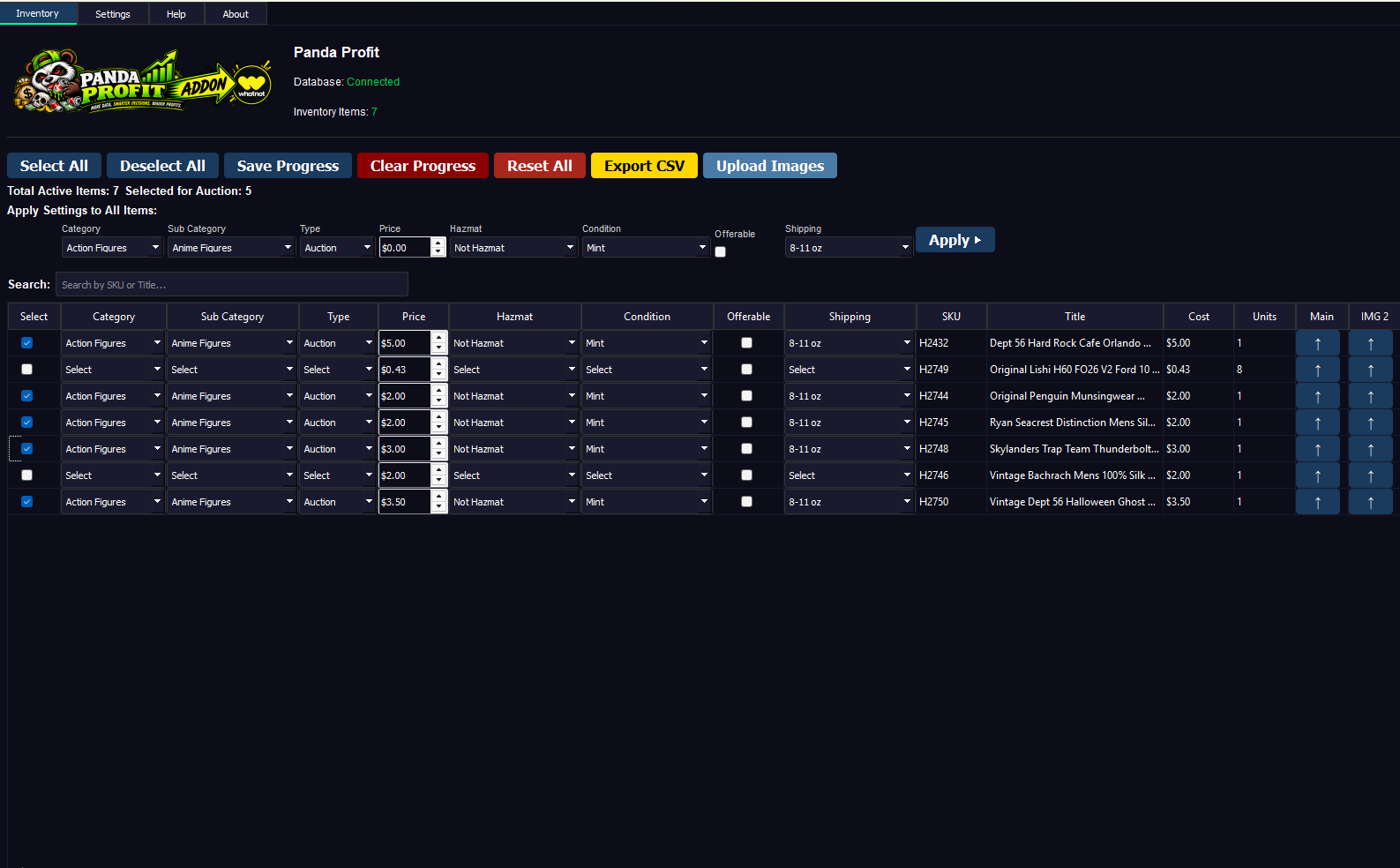
The Panda Profit Whatnot Addon connects your existing Panda Profit inventory to a streamlined Whatnot listing workflow. Select the items you want to sell, configure your listing options, add images, and generate a Whatnot-ready CSV file for upload.
Less data entry. Faster show prep. More time to sell.
Built for Panda Profit Users Who Sell on Whatnot
If your inventory is already organized in Panda Profit, why enter everything again?
The Whatnot Addon lets you pull products directly from your Panda Profit inventory and prepare them for Whatnot without rebuilding each listing from scratch.
✓ Select Your Inventory
Choose the Panda Profit items you want to prepare for Whatnot.
✓ Configure Your Listings
Set important Whatnot listing information including:
- Category & Subcategory
- Listing Type
- Condition
- Pricing
- Shipping
- Images
Apply settings individually or bulk apply them across multiple items to dramatically reduce setup time.
✓ Generate Your Whatnot CSV
When you’re ready, Panda Profit converts your selected inventory into the proper CSV format for uploading to Whatnot.
The addon supports both Standard listings and Coins format.
Powerful Image Management
Up to 8 Images Per Listing
Add a main product image plus up to seven additional images for each listing.
Panda Profit handles the image preparation for you.
Automatic JPG Conversion
Compatible image files are automatically prepared for Whatnot.
PNG, GIF, and BMP images can be automatically converted to high-quality JPG files during the export process.
Images containing transparency are placed on a white background during conversion.
No manually converting dozens—or hundreds—of product images before your show.
Optional Automatic Image Upload
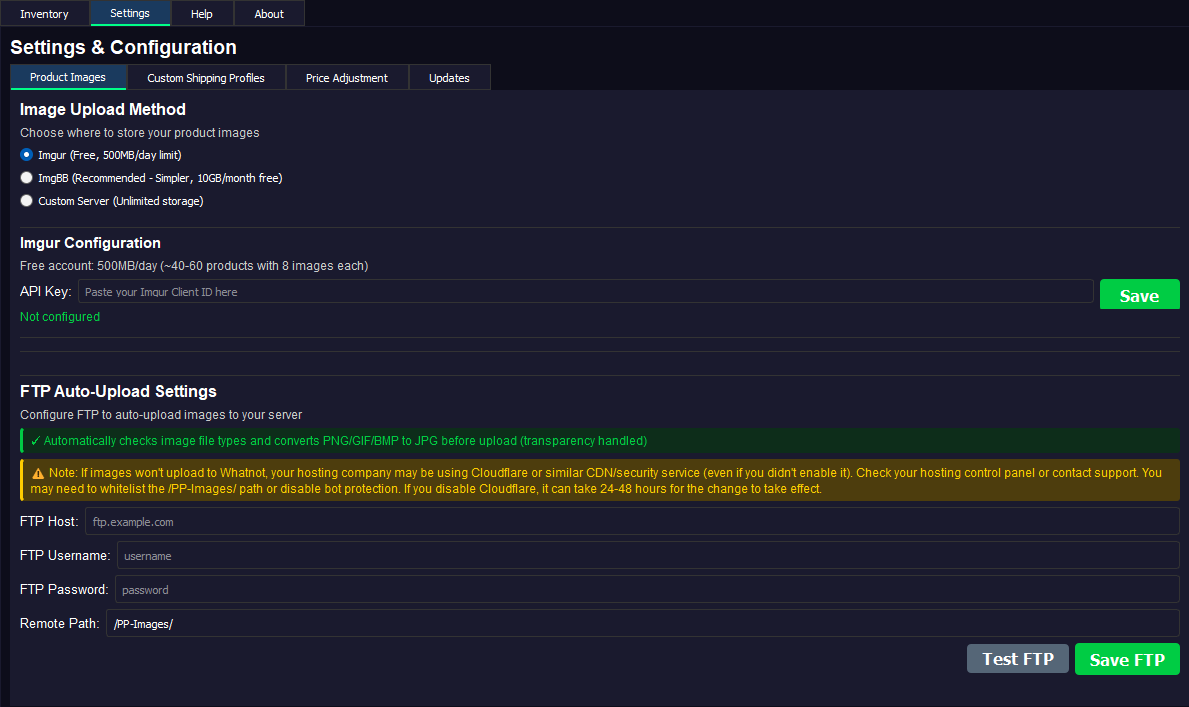
If your Whatnot workflow requires publicly accessible image URLs, the addon can automatically upload your listing images to your configured FTP server.
Configure your FTP information once and Panda Profit can handle the upload process for you.
The addon provides real-time progress while it:
Checks → Converts → Uploads → Verifies
Uploaded files are verified so you know your images successfully reached your server before using the generated CSV.
FTP image uploading is optional.
Bulk Tools That Save Time
Preparing a large Whatnot show one item at a time can become tedious very quickly.
The Whatnot Addon is designed around bulk preparation.
Configure multiple items at once, apply common settings across your inventory, and then make individual adjustments only where necessary.
Whether you’re preparing 10 listings or hundreds, the goal is simple:
Spend less time preparing listings and more time selling.
Custom Shipping Profiles
Create shipping options that match the way you actually sell.
Your custom shipping profiles become available directly within the addon for individual listings and CSV exports.
No need to repeatedly enter the same shipping information.
Smart Price Rounding
Whatnot pricing may require whole-dollar values. Panda Profit can automatically convert your prices using your preferred rounding method.
Choose from:
Standard Rounding
Normal mathematical rounding.
Always Round Up
Moves the price to the next whole-dollar amount.
Always Round Down
Moves the price to the lower whole-dollar amount.
Choose the method that works best for your pricing strategy and let Panda Profit handle the rest.
Pick Up Where You Left Off
You don’t have to prepare an entire show in one sitting.
Panda Profit can save your configuration progress so your settings are restored when you return.
Need to start over?
A one-click reset lets you clear your current configuration and begin again.
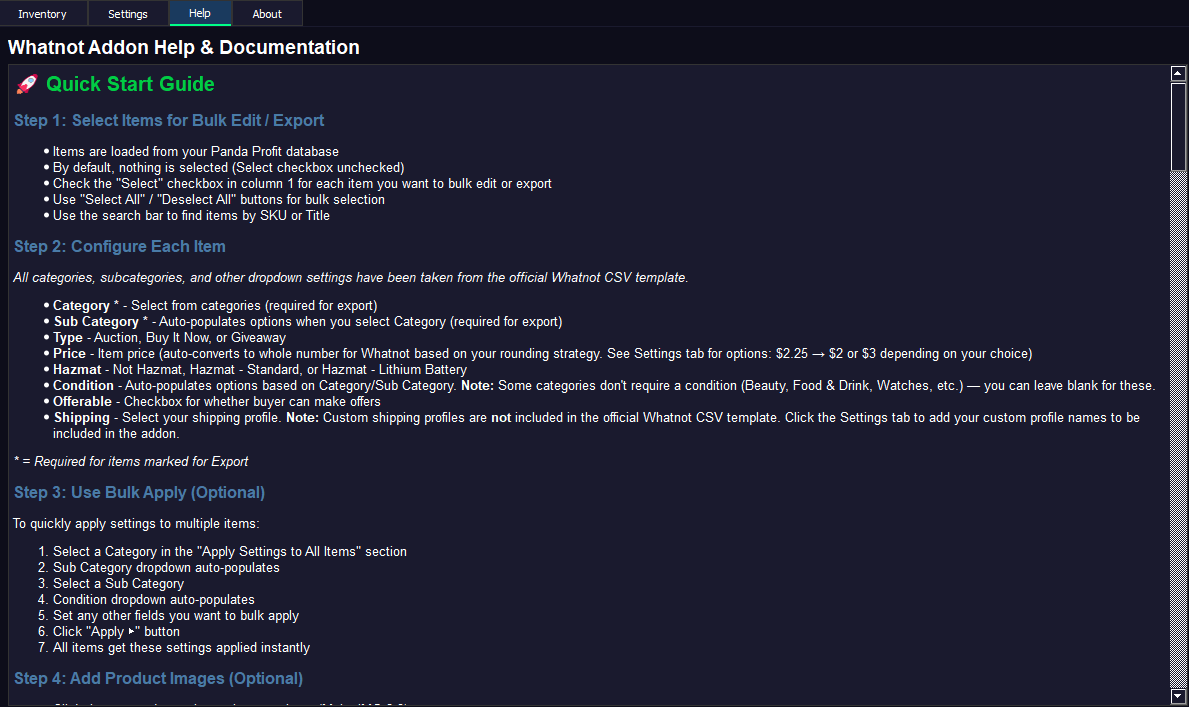
From Panda Profit to Whatnot in 3 Steps
1. Select
Choose the products you want from your existing Panda Profit inventory.
2. Configure
Set your Whatnot category, pricing, condition, shipping, images, and other listing options.
Use bulk tools to configure multiple products at once.
3. Export
Generate your Whatnot-ready CSV and, if enabled, automatically upload your product images to your configured FTP server.
Your inventory is now ready for the next step in your Whatnot listing workflow.
Key Features
✓ Direct access to your Panda Profit inventory
✓ Whatnot-ready CSV generation
✓ Standard & Coins listing formats
✓ Bulk listing configuration
✓ Up to 8 images per listing
✓ Automatic JPG image conversion
✓ Automatic transparency handling
✓ Optional FTP image uploading
✓ Upload verification
✓ Custom shipping profiles
✓ Automatic price rounding
✓ Saved configuration progress
✓ One-click reset
✓ Built-in CSV validation
Perfect For
The Panda Profit Whatnot Addon is ideal for:
- Panda Profit users who also sell on Whatnot
- Resellers preparing inventory for livestream shows
- Sellers moving existing inventory to Whatnot
- High-volume sellers preparing large batches of listings
- Sellers who want to eliminate repetitive spreadsheet work
- Anyone tired of entering the same inventory information twice
Requirements
To use the Panda Profit Whatnot Addon you will need:
- Windows 10 or newer
- Panda Profit installed and configured
- An active Panda Profit Whatnot Addon license
An FTP server is only required if you choose to use the optional automatic image-upload feature.
Panda Profit Required
This product is an add-on for Panda Profit and is not a standalone application.
Panda Profit must be installed and configured to use the Panda Profit Whatnot Addon.
A separate license may be required for the addon.
Spend Less Time Preparing. More Time Selling.
Your inventory is already in Panda Profit.
Don’t enter it all over again.
The Panda Profit Whatnot Addon takes the inventory you’ve already created and gives you the tools to quickly prepare it for Whatnot—complete with listing information, pricing, images, shipping settings, and CSV generation.
Select it. Configure it. Export it. Sell it.
Important Notice
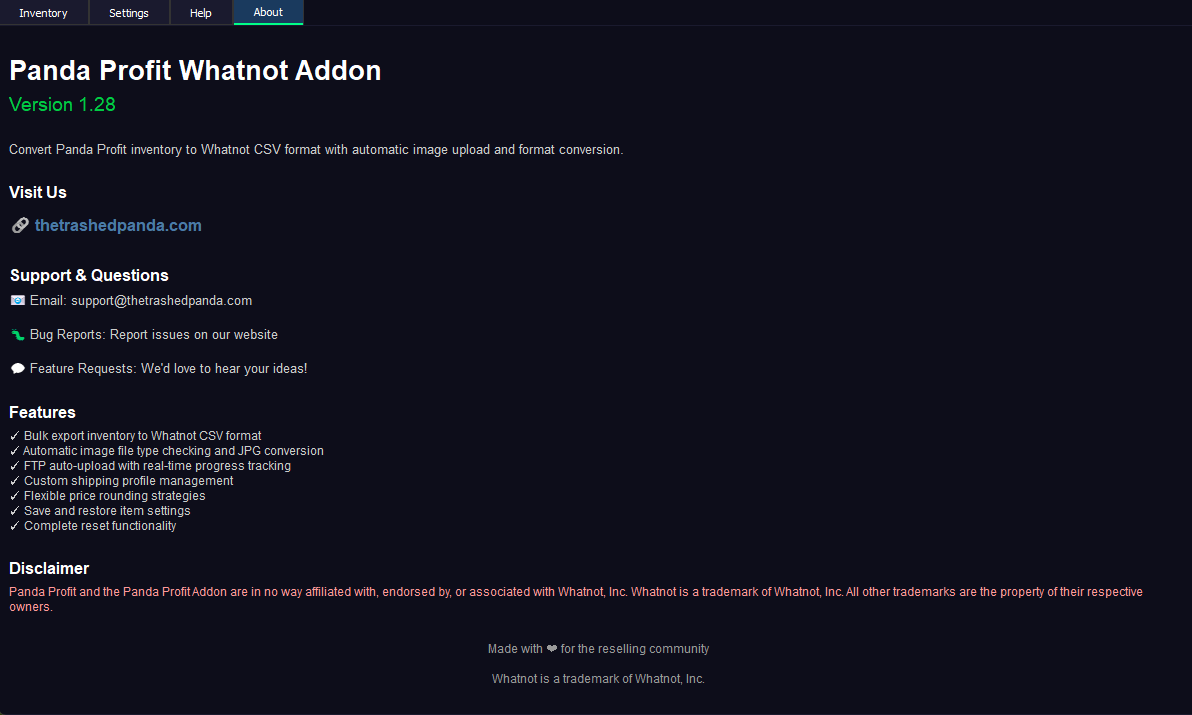
Panda Profit and the Panda Profit Whatnot Addon are products of The Trashed Panda.
Panda Profit Whatnot Addon is an independent third-party software product and is not affiliated with, endorsed by, sponsored by, or associated with Whatnot, Inc. Whatnot and related names and trademarks are the property of their respective owners.




Reviews
There are no reviews yet.